Single-Page Property Site Walkthrough
A guided tour of what’s on a Shoot2Sell property site, photos, video, 3D, floor plans, lead capture, and a shareable URL for every listing.
TL;DR
- Photo galleries, video, and 3D/360 tours each live in their own tab — reorder or hide shots before sharing.
- Branded and unbranded versions exist side by side — branded goes to buyers and social; unbranded to the MLS.
- A built-in contact form routes leads to your inbox with the listing name already in the subject line.
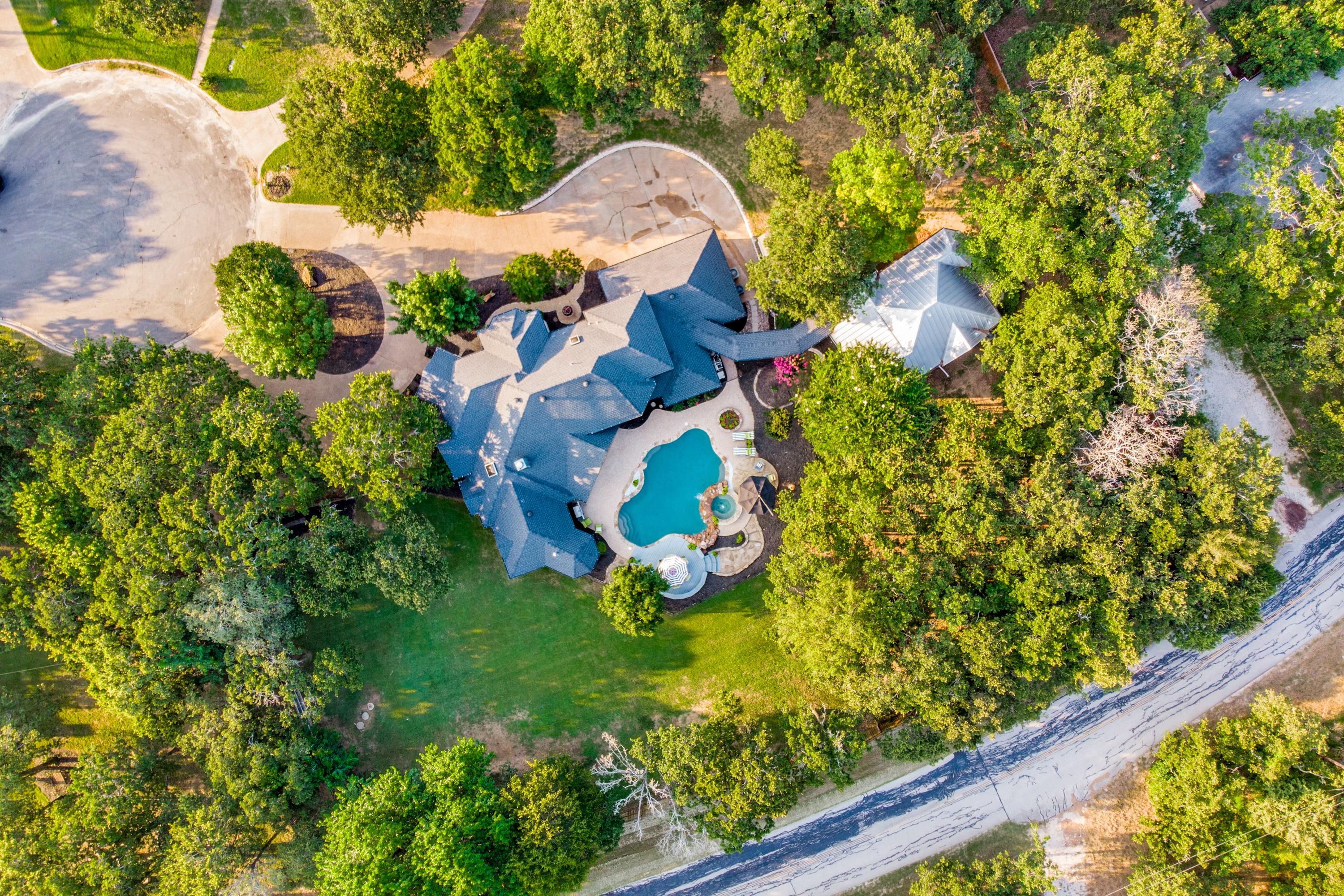
Every Shoot2Sell booking delivers into a single-page property site: one URL per listing that holds every piece of media we captured, every piece of info a buyer needs, and a contact form to turn interest into a showing.
Here’s what’s on the page and what each section does. If you’ve never shared a property site link before, this is the tour.
Texas agents across DFW, Houston, Austin, and San Antonio use single-property websites to differentiate luxury listings, builder showcases, and short-term rental properties from the standard MLS feed.
Media, organized by type
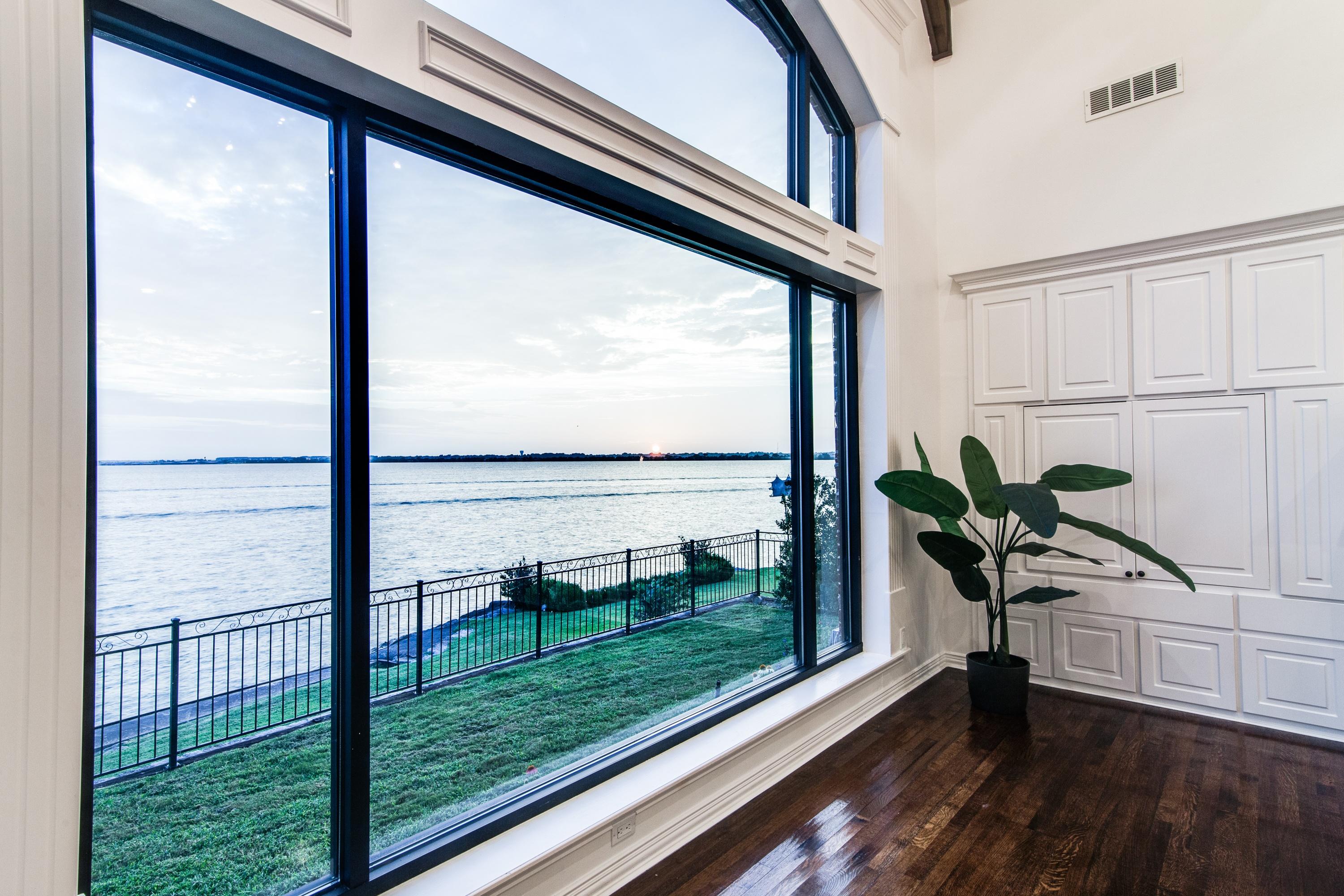
Every listing’s media in one shareable URL, no more juggling folders.
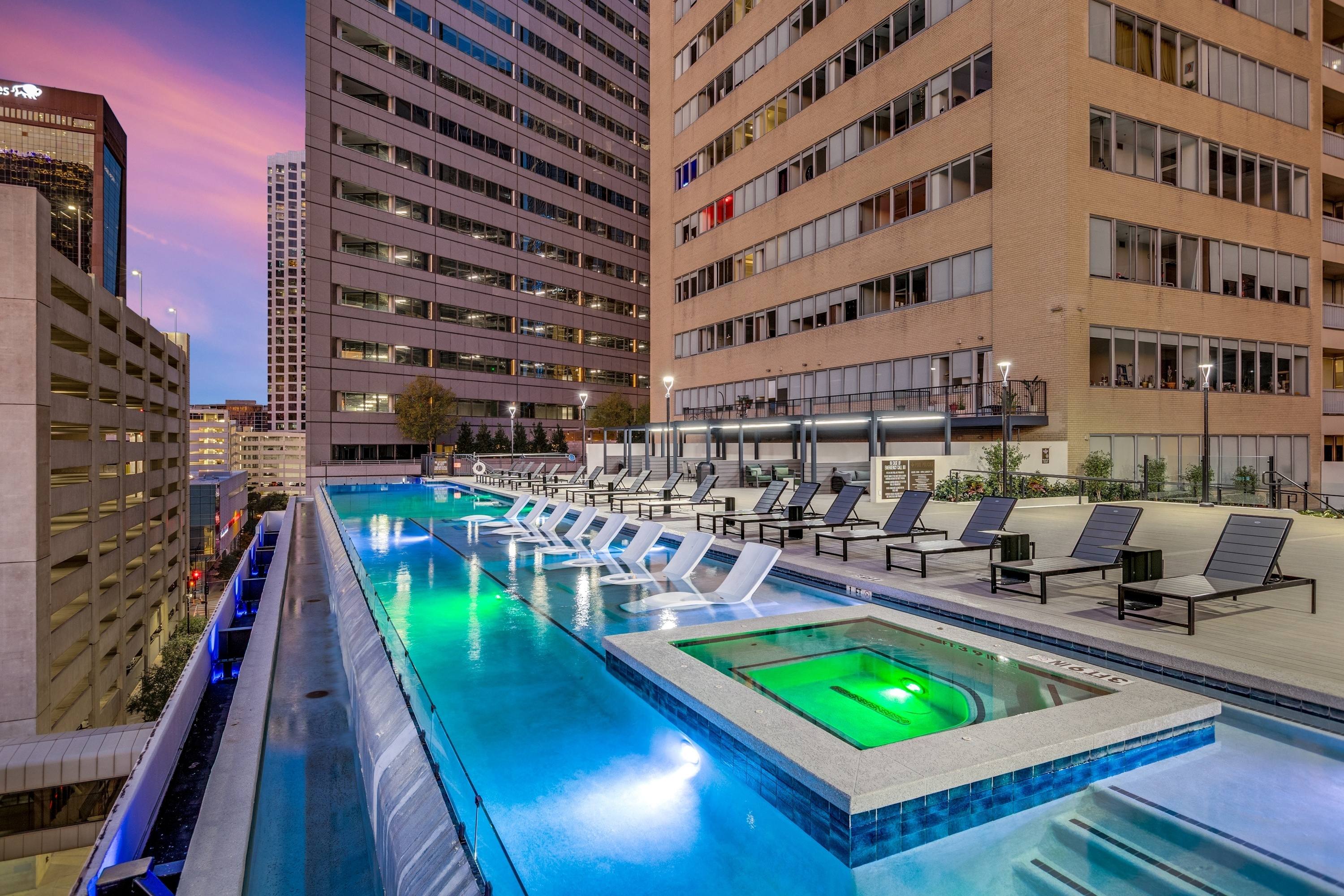
The top of the property site is the media section. Photo galleries are separated from video, and 3D or 360 tours live in their own tab. Reorder or hide photos before sharing the link, and the page updates instantly.
Videos are the combined cut, interior, exterior, and aerial footage in one asset. Buyers see the property in sequence, not as a stack of clips.
Home info + map, so buyers get the details at a glance
Below the media, a home info block shows the facts buyers always ask about: bedrooms, bathrooms, square footage, year built, and a map pin for location. It’s the single-sheet summary that keeps serious buyers from bouncing.
Branded and unbranded versions of the page exist side by side. Share the branded URL with your buyers and your own social feed, and the unbranded URL with the MLS.

A lead form where it matters
At the bottom of every property site: a contact form. Name, email, and a message field. When a buyer submits, you get an email with the listing name in the subject line, so you know exactly which property triggered the lead.
For agents running Facebook Messenger or text-first workflows, the form can route there too. One page, one URL, one contact point.
Book a shoot and your next listing will have a property site before the photos finish uploading.
Related Articles
More from the Shoot2Sell blog on related topics.